
Duplicate jQuery, When a Site Loads the Same Library Twice
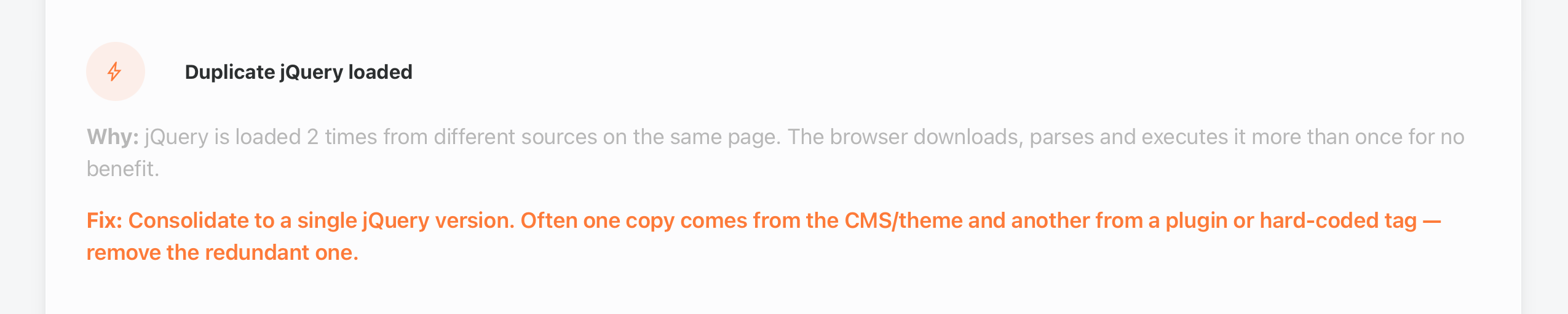
Duplicate jQuery loaded. That is the flag when a page pulls the same JavaScript library from two different places, and it is a quieter cousin of the heavy-weight findings. The page works, nothing visibly breaks, and yet the browser downloads, parses, and executes the same library twice for zero benefit. The report names both copies and their sources, so the fix starts with a clear answer to why they are both there. If the report layout is new to you, the guide to reading an Enterramon test walks through every section, and this flag lives in the performance part.
The finding is a root-cause flag rather than a score line of its own. It earns no points either way, because its damage shows up through the metrics around it. Every extra copy is bandwidth spent, parsing time spent, and main-thread work spent on code the page already had, which pushes up the numbers that do feed the performance score. And like the oversized-asset finding, this one shows up on our own homepage, which makes it a useful working example.
How a library ends up twice
Duplicates almost always come from different owners adding the same thing independently. The content management system loads its own bundled copy of a library, and a theme or plugin adds another from a CDN, or a snippet pasted into the site years ago hardcodes a version that nothing else knows about. Each owner acts correctly on its own, and nobody notices the overlap because the page keeps working.
That is exactly what happened on this site. WordPress loads jQuery 3.7.1 through its normal script system, and our theme header also hardcodes jQuery 3.6.0 from a CDN, a leftover that predates the current setup. Both load in the page head, the browser fetches two copies of the same library, and the report catches the duplication by matching the script filenames across the waterfall.
What two copies cost
Start with the bytes. jQuery 3.6.0 minified is about 87KB, so a duplicate copy is roughly 87KB of extra transfer on every page view, for a library the page already had. On a content site with thousands of visits a month that is real bandwidth, and on a mobile connection it is added seconds of waiting for a file that should never have been requested.
The parsing cost matters more than the download. JavaScript has to be read and executed before it is useful, and running two versions of the same library means the browser does that work twice on the main thread. That is the part that leaks into the Core Web Vitals, because main-thread work is what Total Blocking Time measures, and it delays the moment the page can respond to a visitor. One copy is a dependency, two copies are a tax.
Keeping one copy
The fix is to decide which copy is the real one and remove the rest. In WordPress the platform copy is the one to keep, because plugins and the theme declare jQuery as a dependency and WordPress resolves it to its own enqueued version. The redundant copy is almost always the hardcoded one, a CDN script tag or an old include that bypasses the script system entirely. The removal itself is usually one line, but the safe removal sometimes needs a small code fix first, which is the part most guides skip and the part we hit on our own site.
On this site the removal is one line in the theme header. The hardcoded CDN script tag that loads jQuery 3.6.0 comes out, and WordPress keeps serving its own 3.7.1 to everything that asks for jQuery. The same principle applies anywhere. If the duplicate comes from a plugin, disable or update the plugin, if it comes from a snippet, delete the snippet, and if the page hardcodes a library the platform already loads, remove the hardcoded tag.
    <!-- the line to remove -->
    <script src="https://code.jquery.com/jquery-3.6.0.min.js"></script>

    <!-- what stays — WordPress enqueues its own jQuery -->
    <?php wp_head(); ?>
Before removing any copy, check what depended on it. The safe test is to remove the duplicate, load the page, and watch the browser console for errors, because a script that assumed the removed version would complain loudly if it was the one in use. On WordPress there is one specific trap to know about, the noConflict issue explained in the confirm section below, where the platform jQuery does not provide the bare dollar alias that some scripts quietly depend on. Account for that first and the removal is clean.
Watching the duplicate disappear
Confirm the fix the same way the report found it. Run another Enterramon test and the Duplicate jQuery card disappears, because the report only fires it when two different source URLs for the same library appear in the waterfall. One copy means the finding cannot fire, and on our own site that is exactly what happened. The re-test shows a single jQuery on both desktop and mobile, and the Duplicate jQuery card is gone from the report.
Removing the copy taught us the one trap worth naming. WordPress loads its own jQuery in noConflict mode, which means the platform copy never exposes the shorthand dollar sign to the page. If any script in the theme or a plugin uses bare dollar syntax, it was relying on the second copy to provide it, and deleting that copy breaks the script. Our own layout script did exactly that, and the page showed both submission bars because the function that hides one of them never ran. The fix was to convert that one function to plain JavaScript, which needs no jQuery at all.
The lesson applies to any site doing this. When you remove a duplicate library, load the page and watch the browser console, because anything using bare dollar syntax will fail loudly the moment its provider disappears. Convert those scripts to use the long-form jQuery reference or plain JavaScript first, then remove the duplicate, and the re-test confirms the result. The cleared flag is the receipt, and the console staying quiet is the proof nothing depended on the copy you took away.
